
Run the book. Mom takes the rake.
You’re the host — could be Mom, could be a sibling or a friend. You set the markets, hold the pot, settle the pool, and pay out winners. PushPool tracks the math so you don’t have to. Here’s the whole flow, end to end.
The host loop
Eight steps to run the book
- 1Setup
Open the books
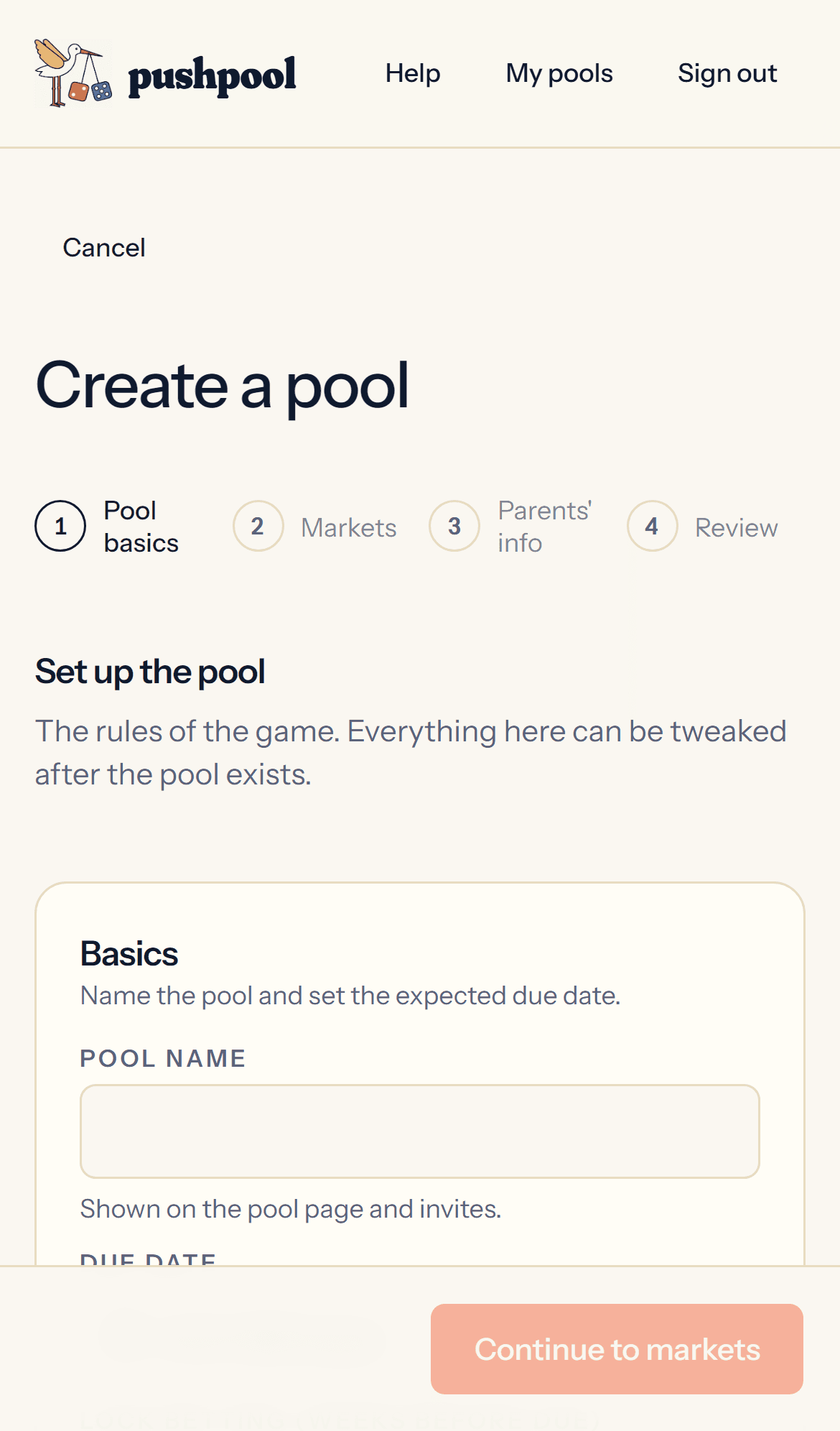
Create a pool, name it, set the due date, pick a currency. Add a cover image if you want the pool to feel like yours.
Drop in your Venmo handle so guests get a one-tap pay link with the right amount and a matching note prefilled. Set Mom’s rake (most pools run 5–10%; the wizard warns you if you pick 100%). Set a close window so late ultrasounds don’t hand inside info to nearby family — the default auto-locks the pool 6 weeks before due. You can also set a suggested default bet, a stake min/max, and a per-gambler cap if you want guardrails.
- 2Markets
Pick what’s bettable
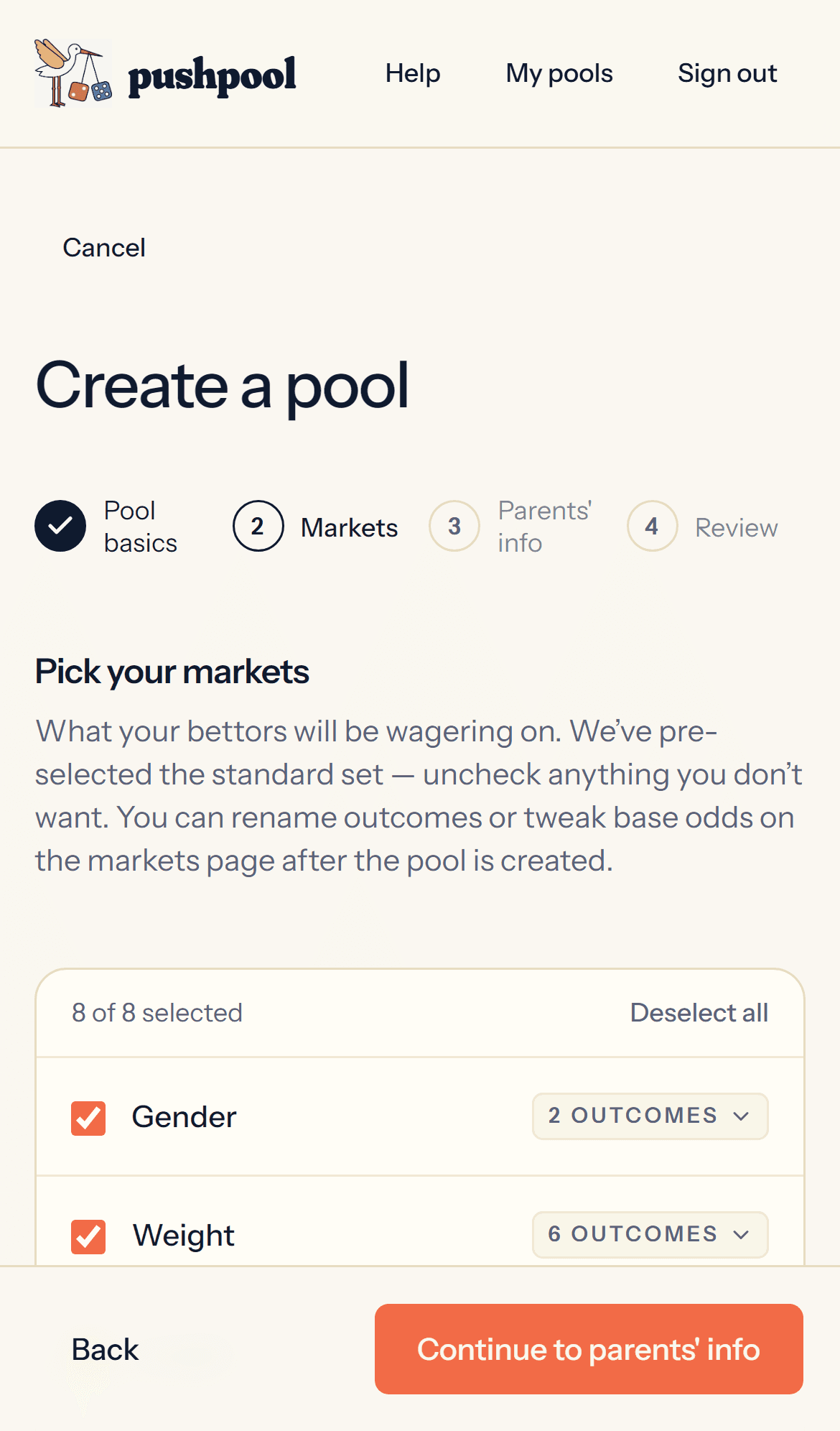
Default markets cover the staples: gender, weight, length, hair color, eye color, labor duration, delivery type, time of day, days from due date. Add custom markets for inside jokes (“will Dad faint?”).
Outcomes need probabilities that sum to 100% per market. PushPool refuses to lock a half-configured pool — no surprises at settle time. You can edit markets, outcomes, and priors any time before the pool locks from the Markets tab.
- 3Parents
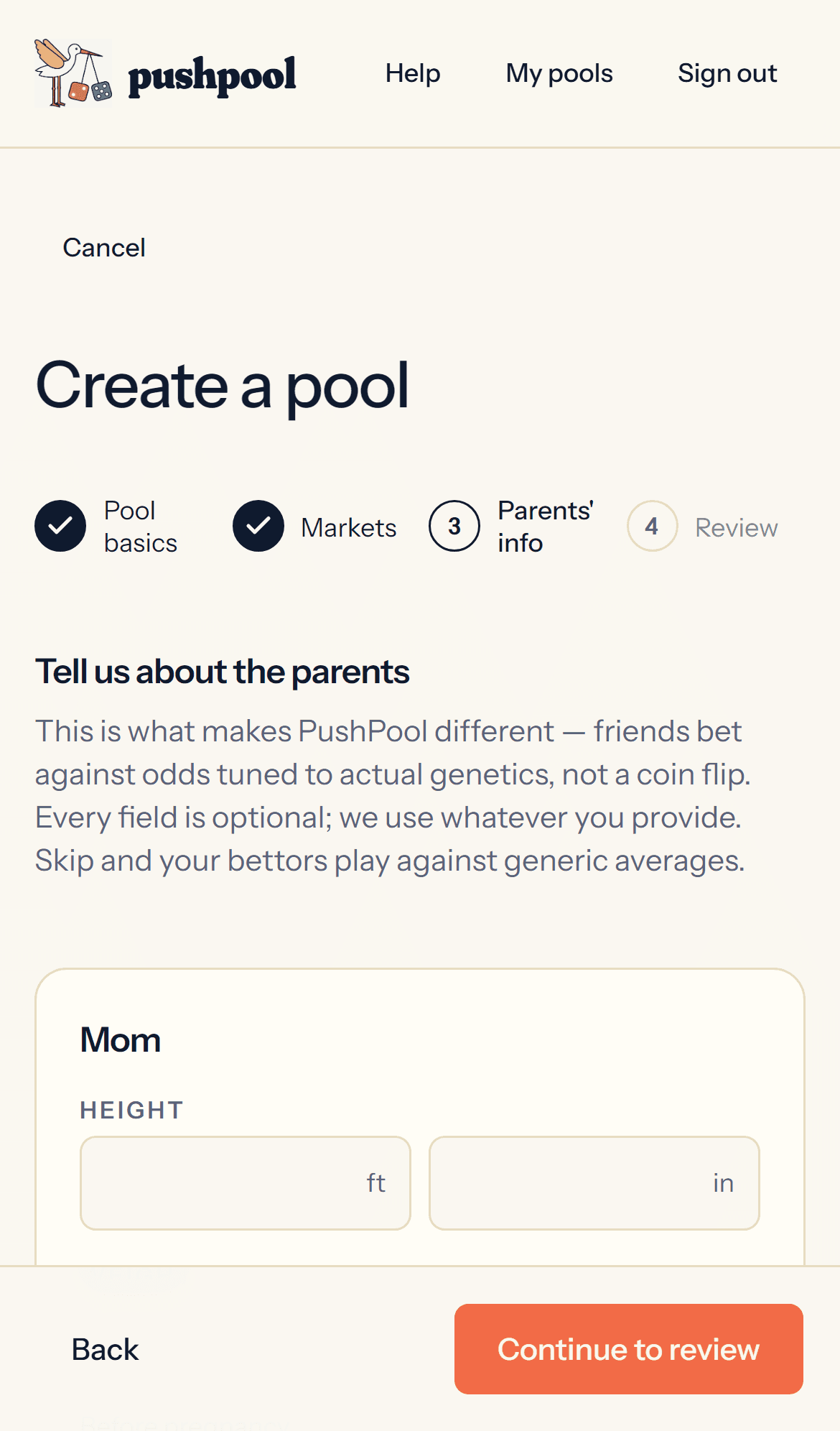
Tell the system about the parents
Optional, but worth the two minutes. Drop in Mom and Dad’s hair color, eye color, height, and previous baby weights if any. PushPool uses this to tune the prior probabilities on the relevant markets — “both parents are brown-eyed” shifts Eye Color’s prior away from a flat 50/50.
You can also leave Mom and Dad’s personal picks per market — those render as a small heart next to the outcome. Decorative only; they don’t move the odds. Want a co-parent to edit picks alongside you? Invite them as a partner from Settings — they get to manage picks and nothing else.
- 4Share
Send the join code
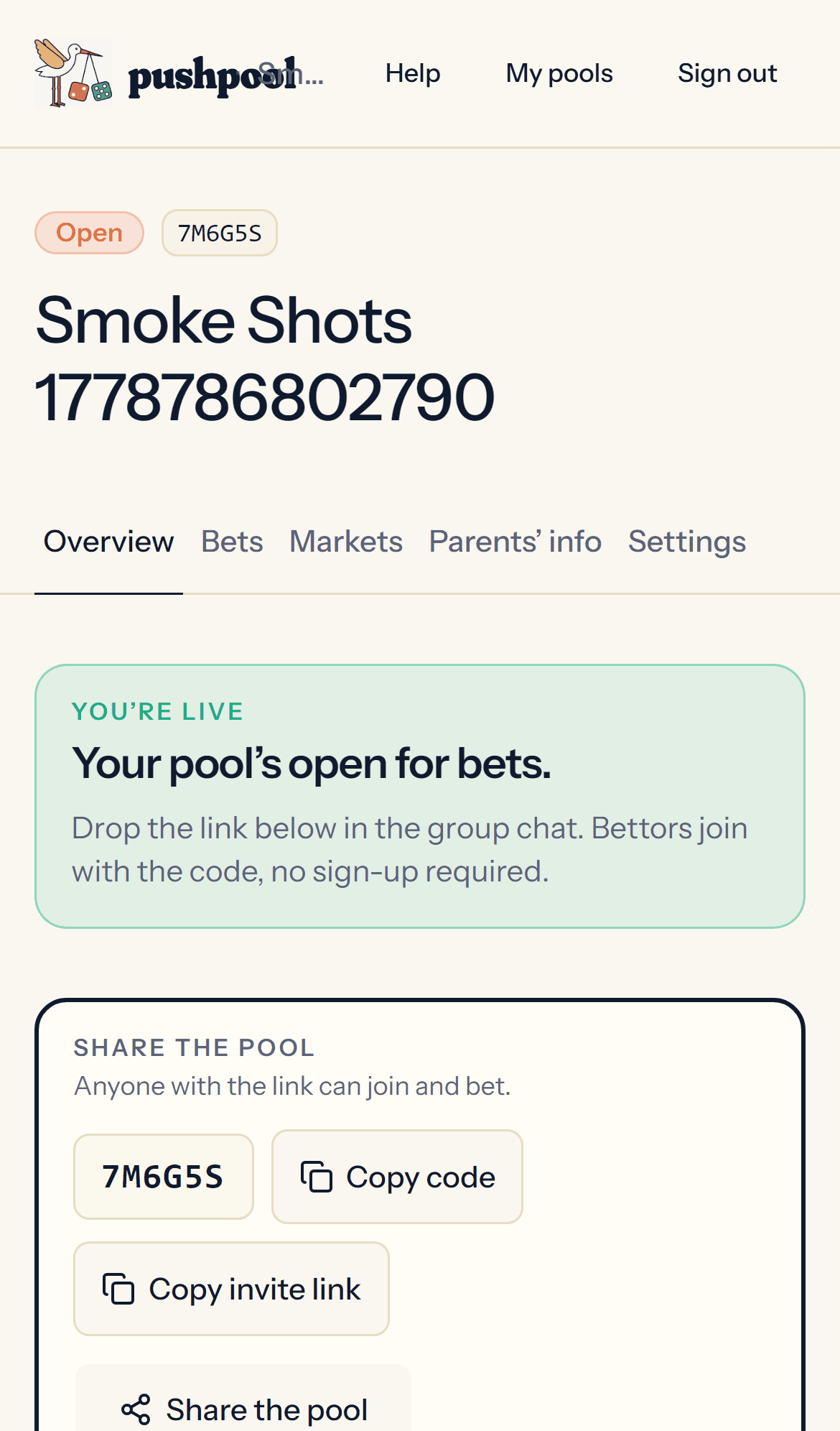
Every pool gets a six-character join code and a share link. Drop it in the family group chat. Guests don’t need accounts — they enter a name and they’re in.
Your pool overview shows the live pot, bet count, and a running list of who’s in. Anchor it to the top of the chat — and reshare often. Pools thin out without ten-plus bettors; the share button is the quiet hero of every pool.
- 5Confirm payments
Match the Venmo to the bet
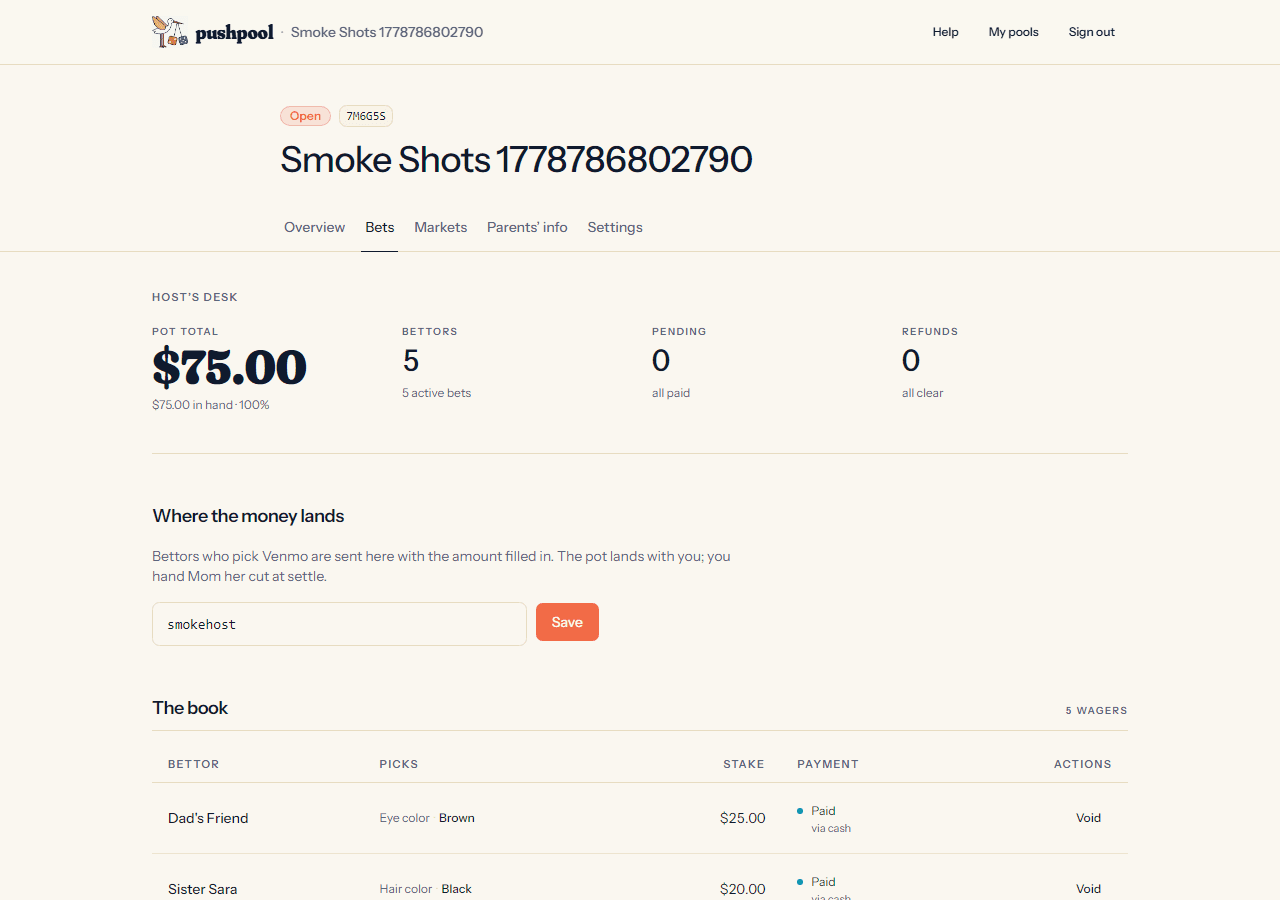
Every bet gets a four-character code like
A7K2. The bettor’s receipt fires a Venmo link prefilled with the stake and a note that readsPushPool A7K2. They send the money, tap “I sent it,” and the bet lands in your “Payments to confirm” queue.Open Venmo, find the matching transfer, tap Confirm received. Your check is what makes the bet count.
- 6Close the line
Lock now, or let auto-lock do it
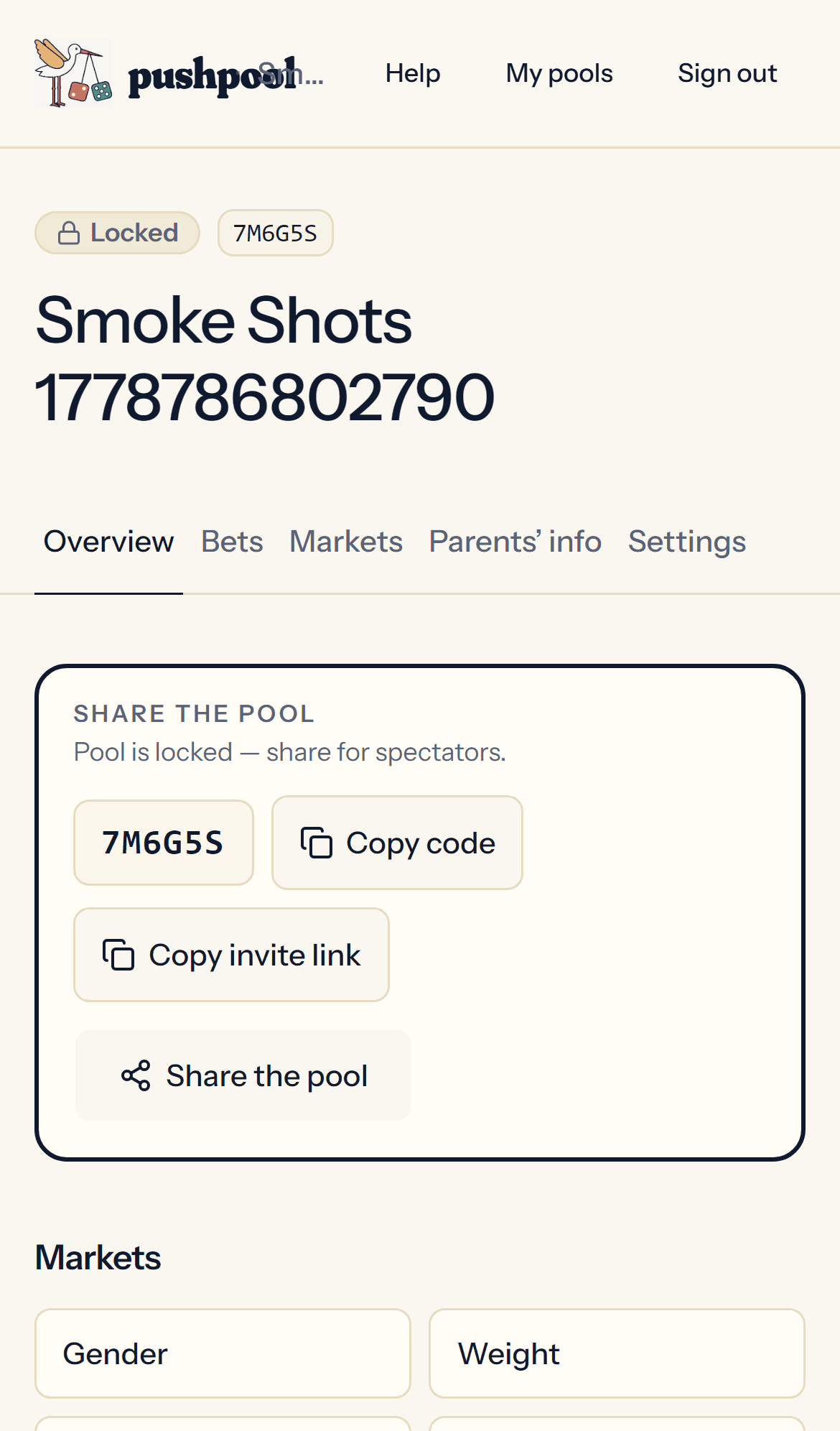
By default the pool auto-locks 6 weeks before the due date — set the window in the wizard or in Settings. Want to freeze the line earlier (the ultrasound came back too informative)? Tap Lock betting on the pool overview any time. Locked = no new bets, no edits, odds frozen for everyone.
Late payments are fine after lock. Anything still unpaid at settle gets surfaced for you to either confirm or void per bet.
- 7Settle
Baby’s here, enter the finals
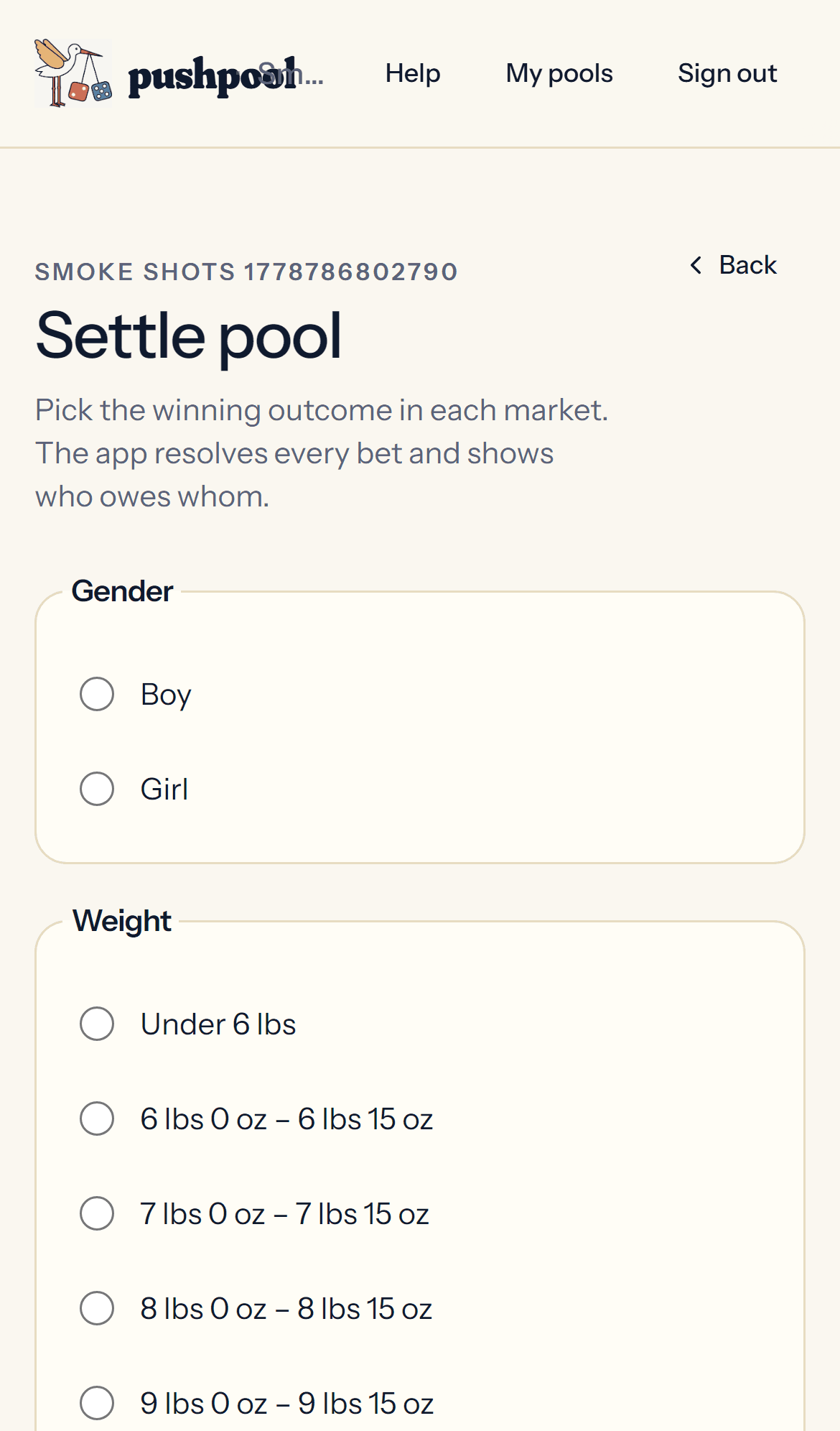
When you’re ready — could be hours after the birth, could be a week — tap each market and mark the actual outcome. Do it all in one sitting; partial settlement isn’t a thing. The pool sits quietly in “Locked” until you’re ready. PushPool computes payouts.
If any bets are still unpaid when you settle, you’ll get an unpaid-resolution queue first. Per bet: mark it paid (you got the money offline) or void it. Only paid bets count toward the pot.
- 8Pay out
Pay the winners, take Mom her cut
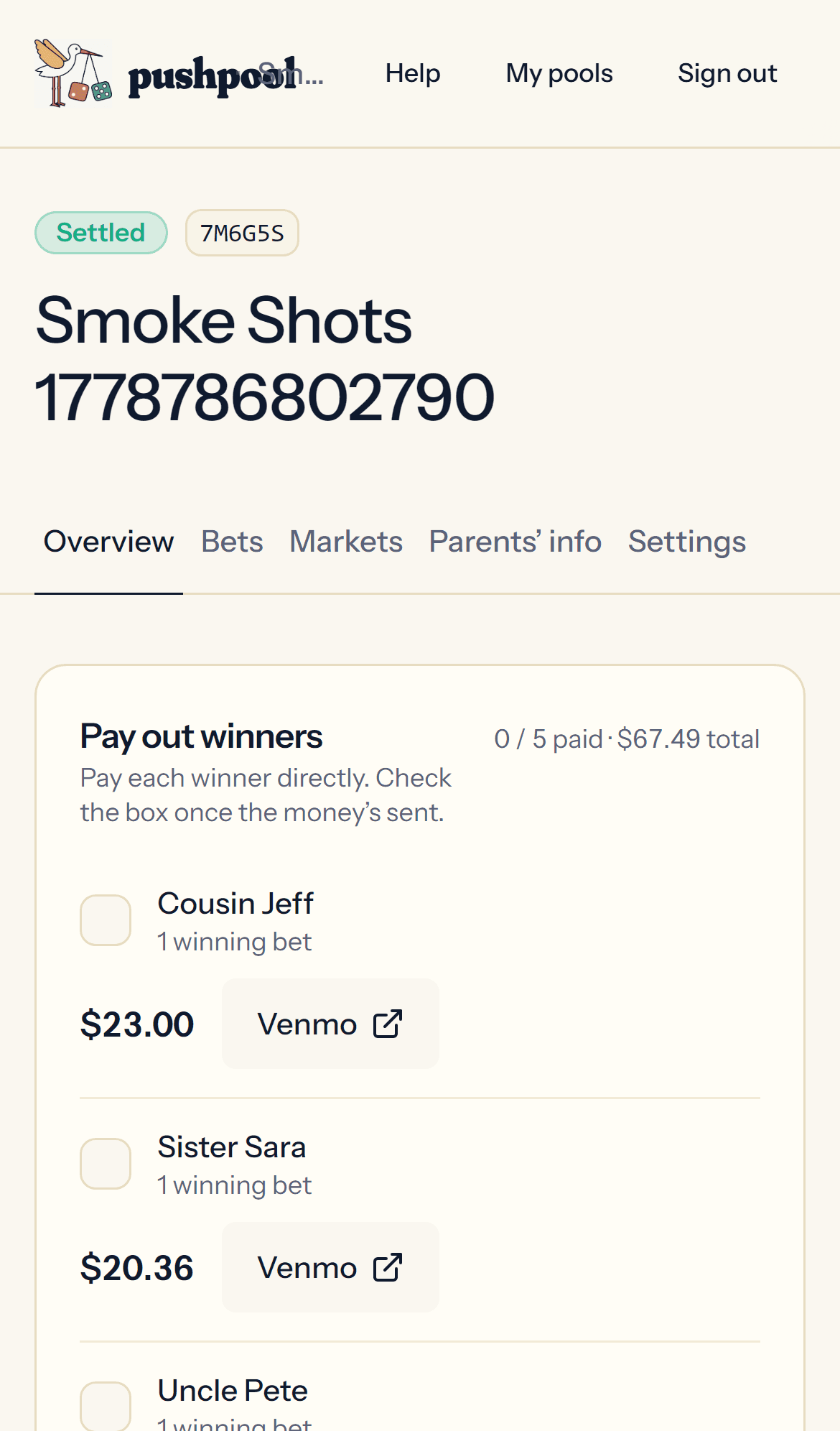
Each winning bet shows the exact payout owed with a one-tap Venmo deeplink. Pay each, check it off. The pool stays open afterward — drop in baby photos above the leaderboard, watch reactions stack up. Download a CSV or JSON of the whole book for record-keeping, or grab the shareable PNG to post the final results in the group chat.
Mom’s rake comes off the top. PushPool never takes a cut — that line stays uncrossed.
Beyond the basics
Refund a bet
Guests request refunds from their bet receipt. The request lands in your refund queue on the host dashboard. Tap the Venmo deeplink to send the money back, then approve the request — or deny it. Refunded stakes drop out of the pot.
Void a single bet
Open the host dashboard, find the bet in the book table, tap Void. Use this for duplicates, abusive notes, or bets the guest walked away from. The stake drops out of the pot and the bet is removed from public surfaces.
Void the entire pool
Settings → Danger zone → Void pool. Type the pool name to confirm. The pool is cancelled, no settlement runs, and every bet is refunded to the bettor. Available any time before settle.
Set stake limits
Settings → Bet limits. Set a minimum and maximum per-bet stake plus a per-gambler total cap. The suggested default also lives here — it prefills the stake field on the bet form.
Hide dollar amounts (gift mode)
Settings → toggle off “Show monetary values.” Stakes and payouts still track under the hood; guests see odds and rankings only. Use this for pools where the money is symbolic.
Hide parents' picks or projected leaderboard
Settings has toggles for parents’ picks (the small hearts on outcomes) and the projected leaderboard (current-odds ranking before settlement). Both default on. Turn either off for a quieter pool page.
Add a parents' note
On the pool page, tap the host-only pencil above the leaderboard. The note is up to 500 characters and renders above the leaderboard for every guest. Edit any time.
Add a cover image or photo album
Cover image: Settings → Cover. Photo album (visible to the whole pool): Settings → Photos. Both accept JPEG, PNG, and HEIC.
Edit pool settings
Almost every field is editable while the pool is open: name, due date, rake, odds weights, payment methods, stake limits, market priors. Editing locks once you lock betting or settle, so push edits early.
Export the bet ledger
After settle, open Settings → Export. CSV or JSON exports the full ledger (stake, outcome, payout, gambler). The shareable PNG renders the settled card for the group chat.